Campanha no Telegram
Transmissão significa enviar mensagens ou notificações para um grupo selecionado de usuários simultaneamente. É uma maneira de fazer anúncios importantes, compartilhar atualizações ou executar campanhas de marketing com eficiência. O diferencial é que o usuário pode escolher quem recebe essas mensagens com base em fatores como localização e preferências, garantindo que você esteja direcionando o público certo para uma comunicação eficaz.
Accessing the Broadcasting
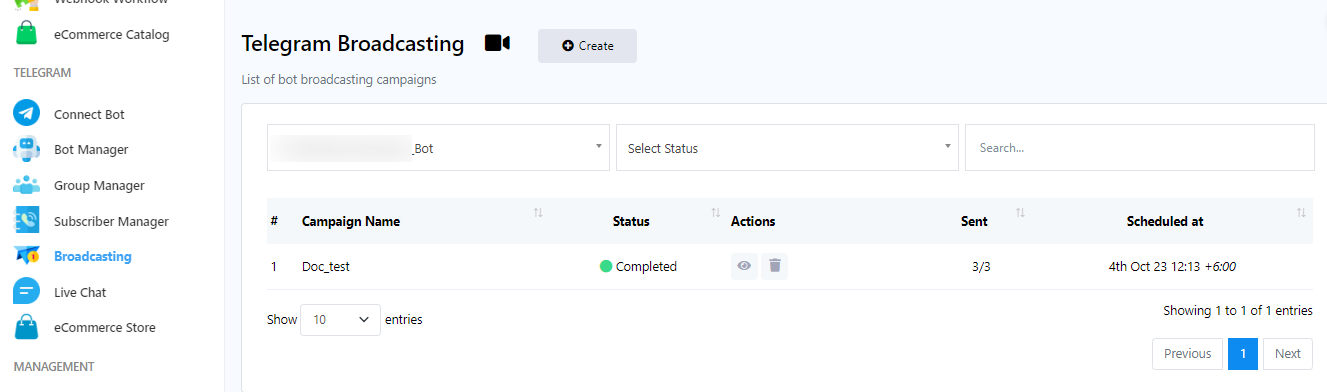
- Go to the dashboard.
- In the left sidebar of the dashboard, locate the `Broadcasting` menu
- Select a bot to send broadcast message from dropdown menu.
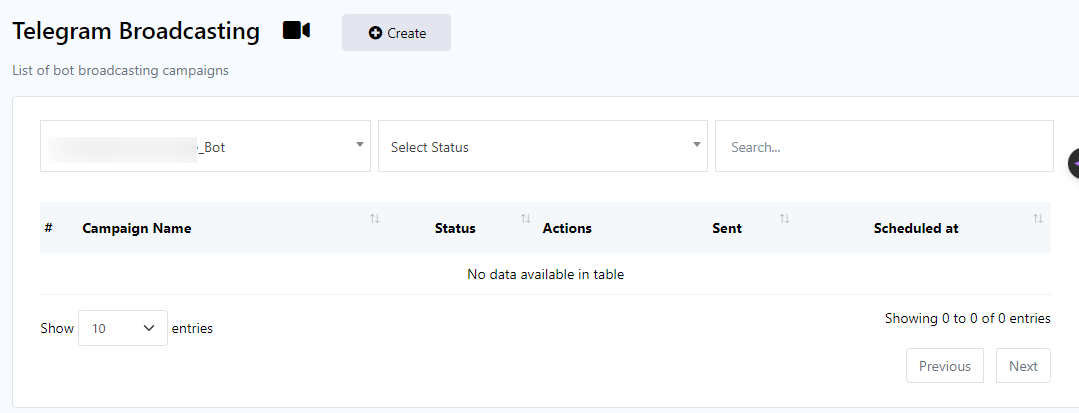
- Click on `Create`.
Flow-builder Broadcast Component and Configuration
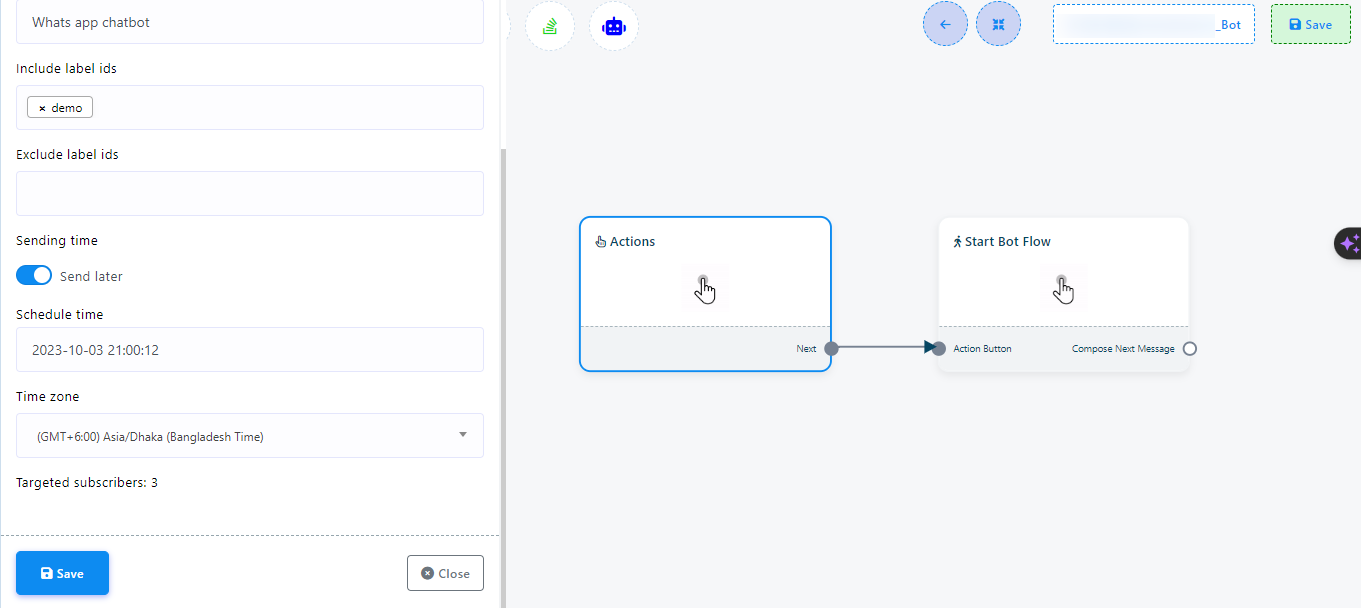
- Click on `Action` component.
- Select Broadcasting from dropdown menu.
- Give a `Campaign Name`.
- Select a label in `Include label ids` input field. User can select multiple labels.
- Select a label in `Exclude label ids` input field if necessary. User can select multiple labels.
- By toggling `Send Later` button user can set time suitable time for broadcasting message. Or user can send broadcast message instantly by not toggling `Send Later` button.
- Save setting by clicking `Save` button.
Set message to the broadcast
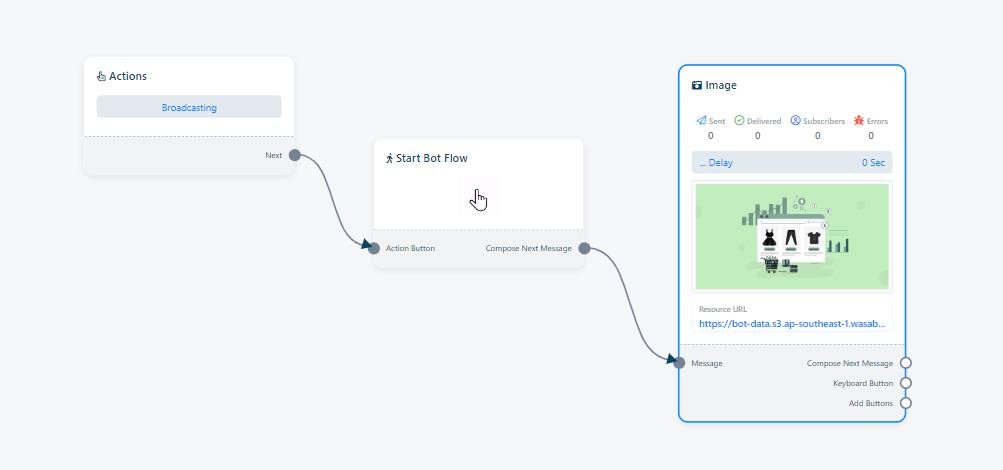
- Double click on the `start bot flow` and just give a name for it.
- Add a Component: There is three way to add a component:
- User can drag and drop a component onto the editor from the `Start Bot Flow` component.
- Right click on the canvas to unveil component list.
- Drag a connector from the `Start Bot flow` socket and leave the cursor to get component list. Select a desired component as required.
- Choose Component: A menu with various component types will appear. Select the type you want, such as an image.
- Configure: Customize the selected component for your message content.
- Repeat as Needed: Add more components for additional messages if required.
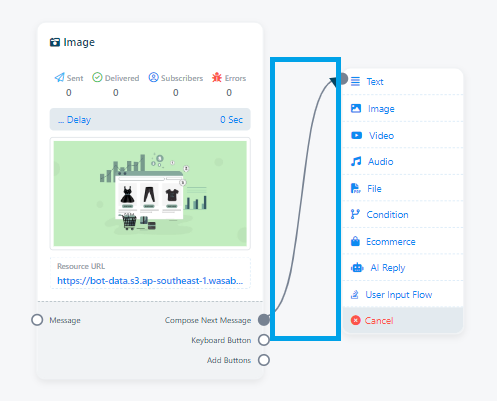
Save: Finally, save the bot flow and your broadcast will be completed.
Relatório da Campanha
After completing the broadcast user can also check the status of it. To check the report:
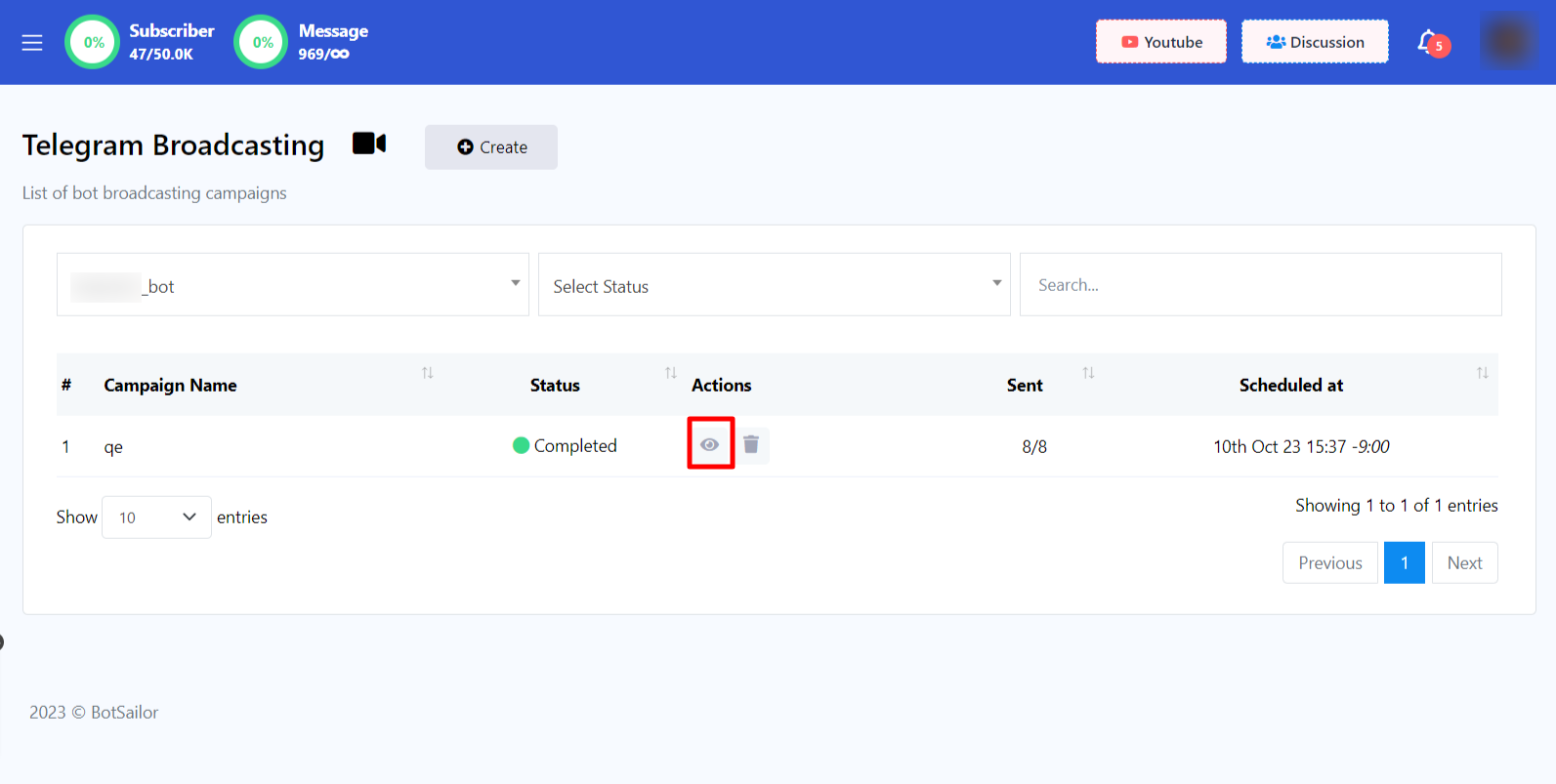
- Go back to `Telegram Broadcasting` page.
- Click on `Report` button under the campaigns action.
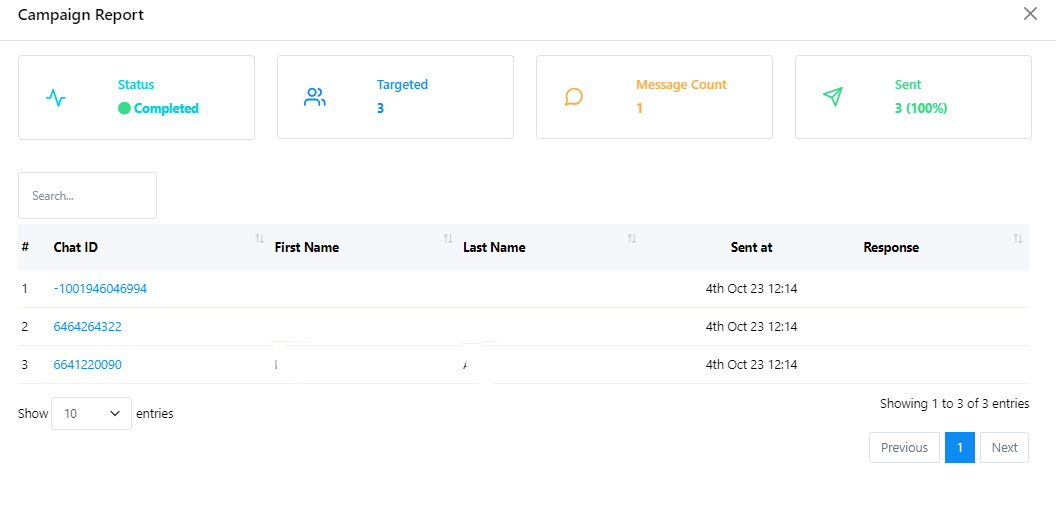
- You can check Status, Targeted number of subscribers, Message Count and Sent report here.